Your clients book on your page.
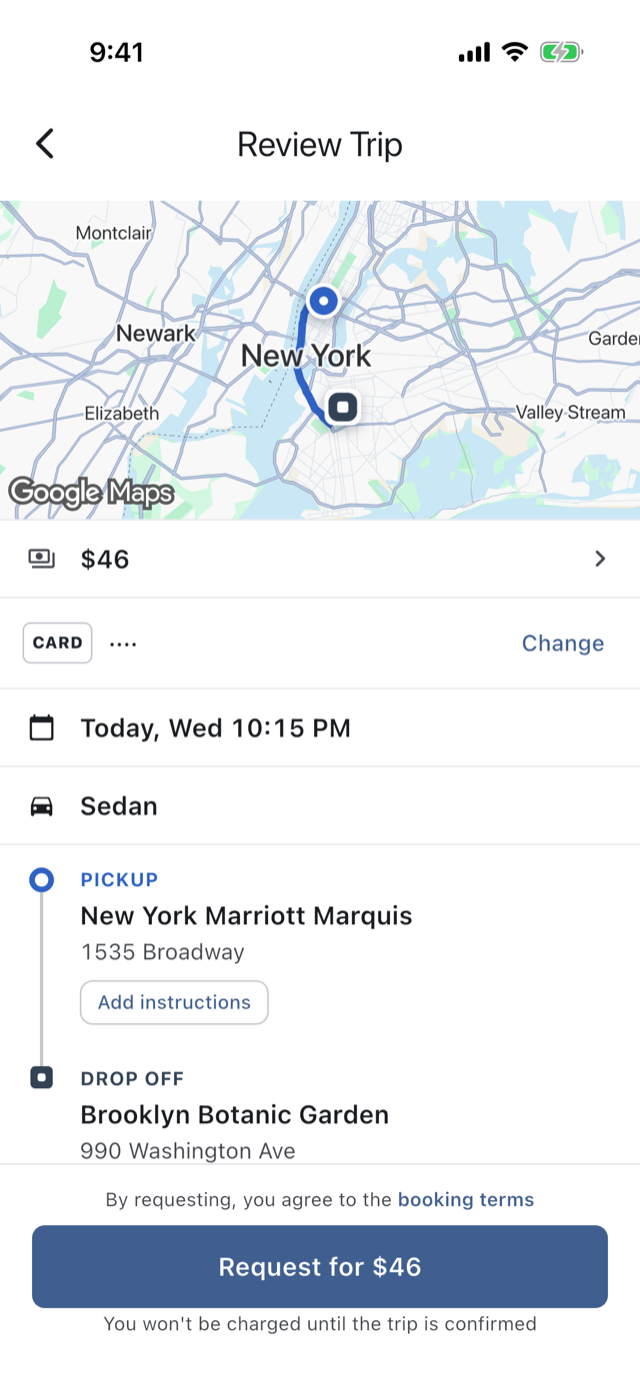
Your link opens your own booking page. Your client picks the trip and sees your price before signing in, then sends it to you as a request.
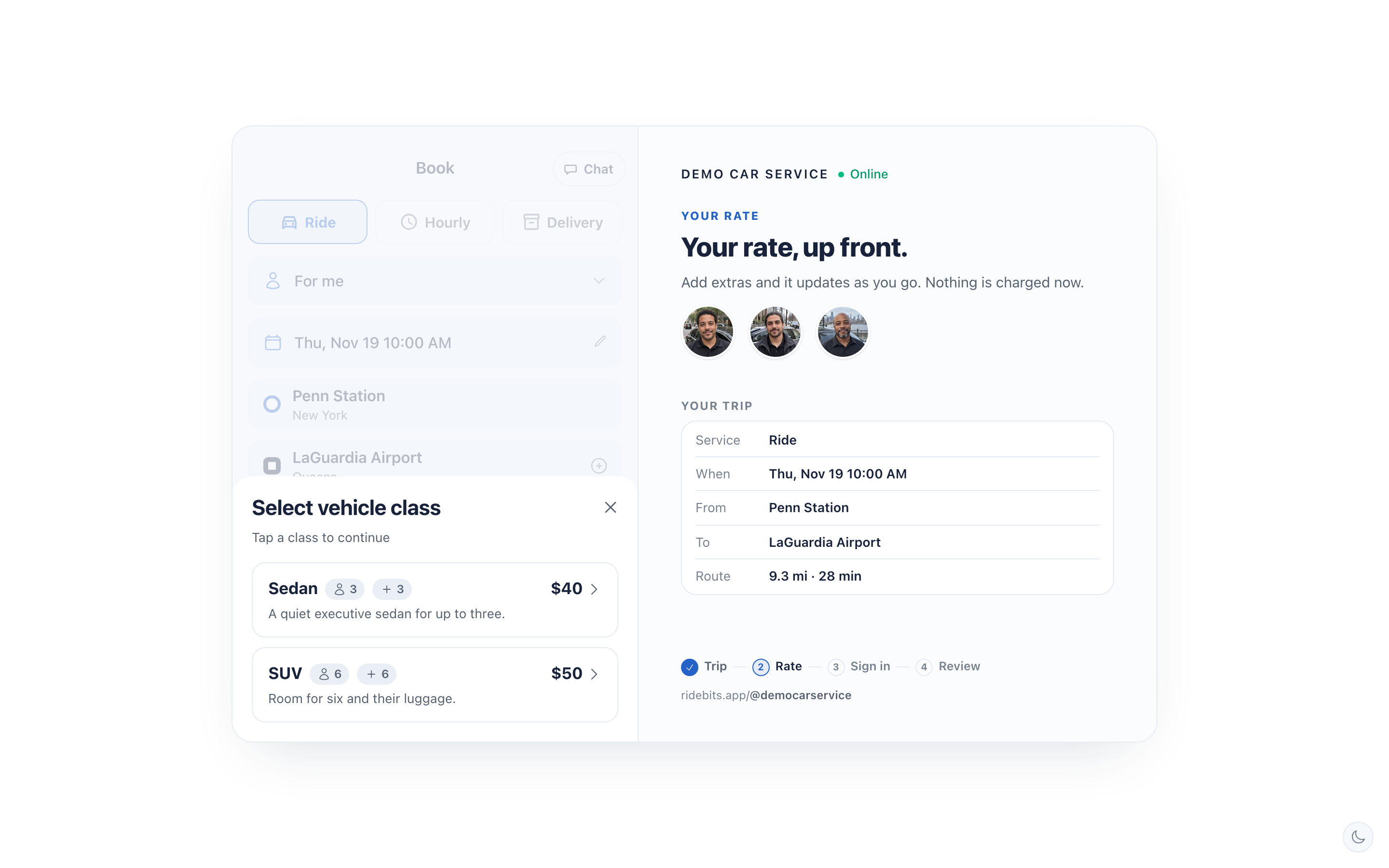
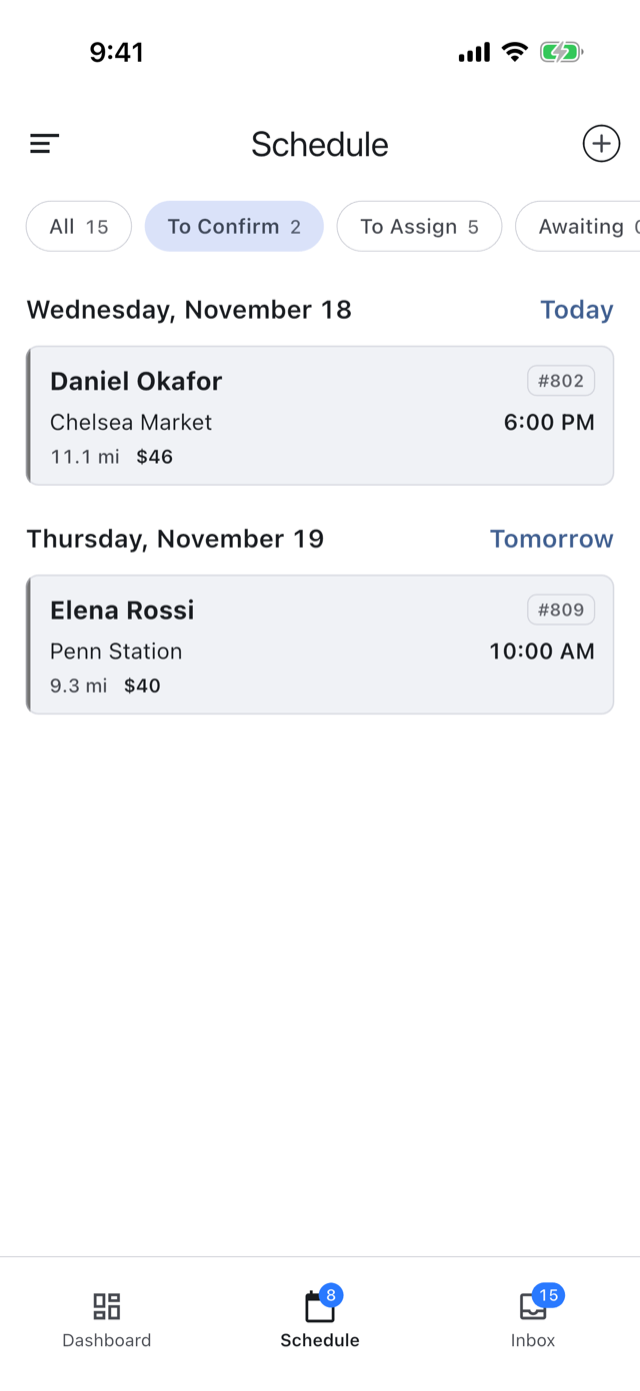
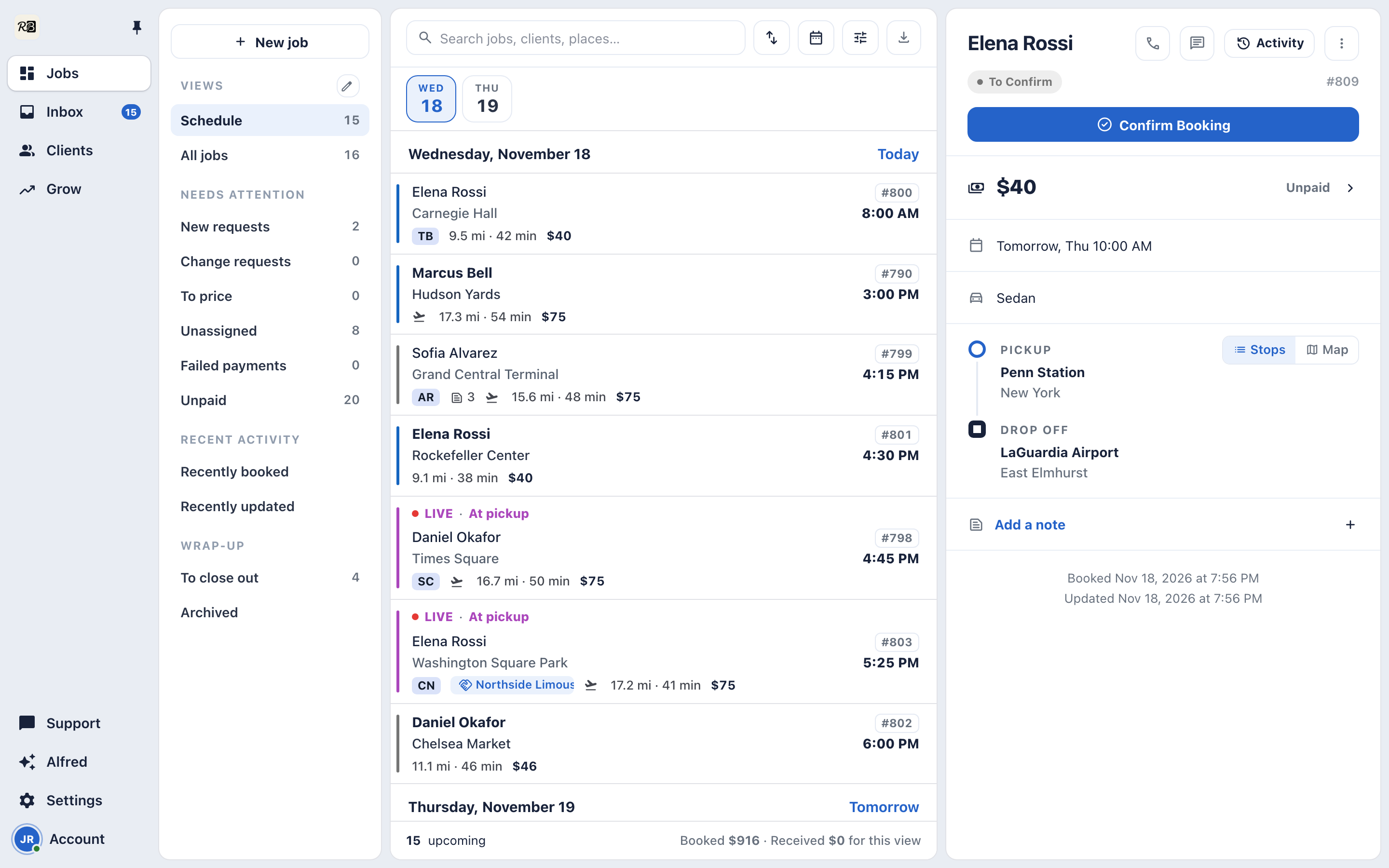
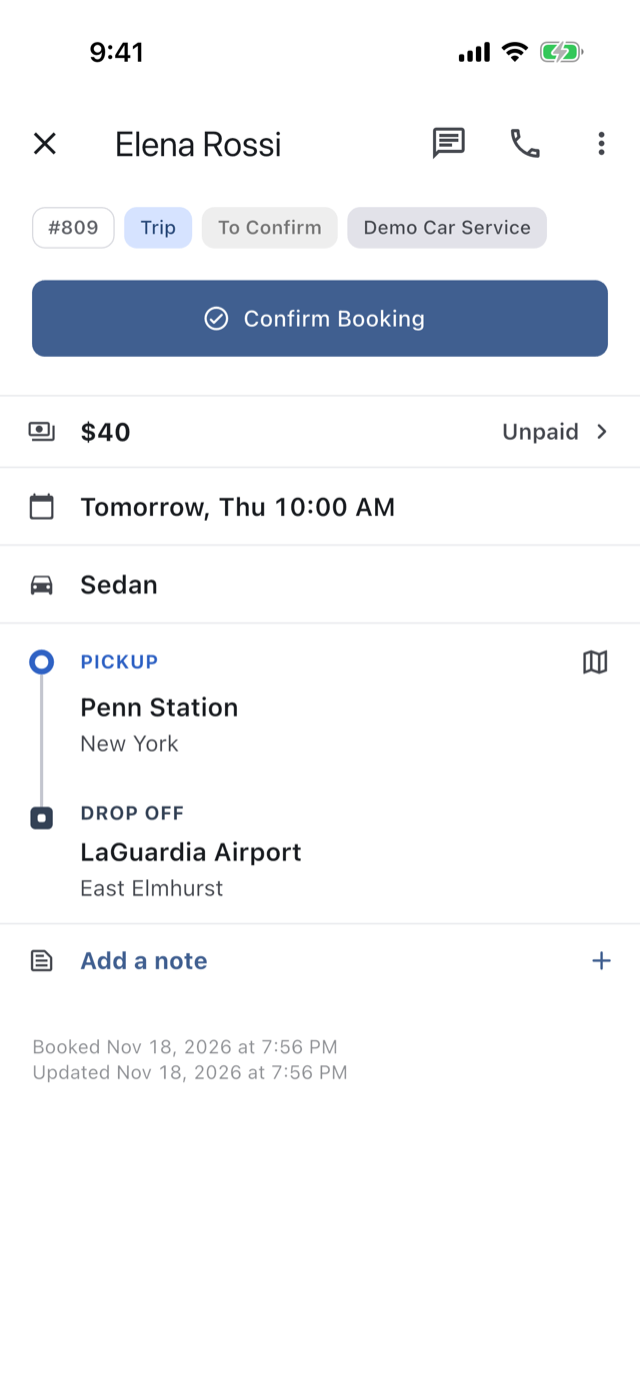
Clients book from your link, your website or the app, and see the price before they do. You confirm, and everyone on the trip knows.
Your link opens your own booking page. Your client picks the trip and sees your price before signing in, then sends it to you as a request.
On your phone or at your desk. Your client’s trip shows it confirmed at once, and when you put a driver on, they’re told who’s coming.
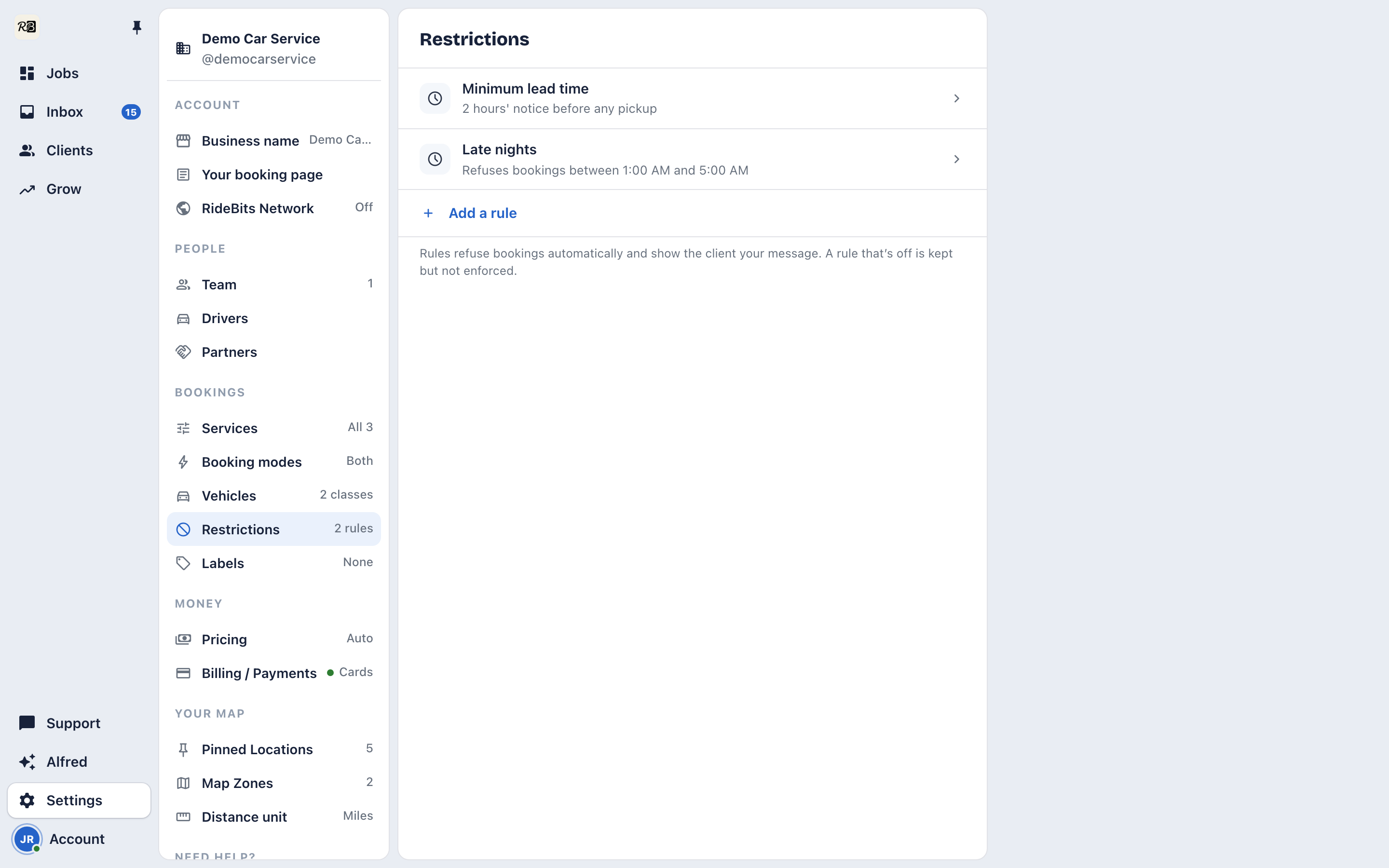
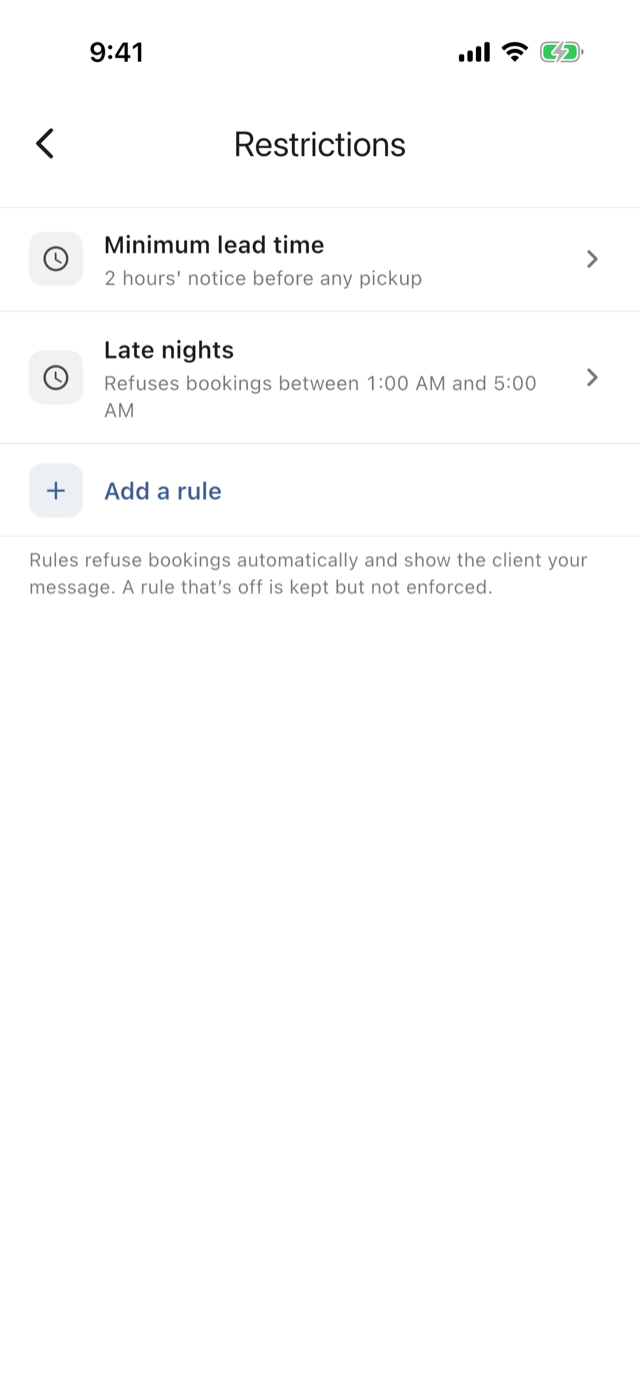
Set how much notice you need and the bookings you won’t take. A booking that breaks one is turned away in your own words, before it’s priced.
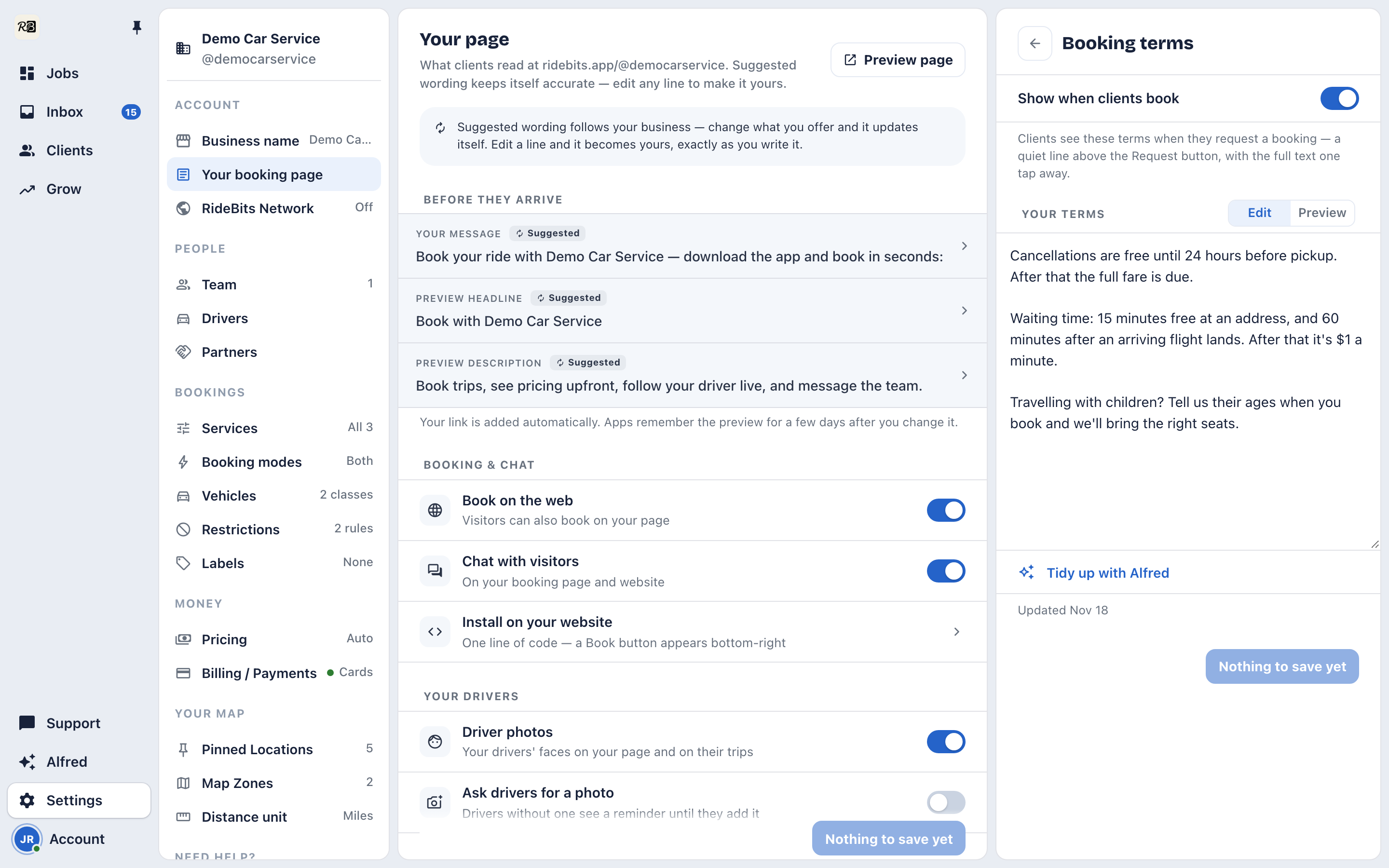
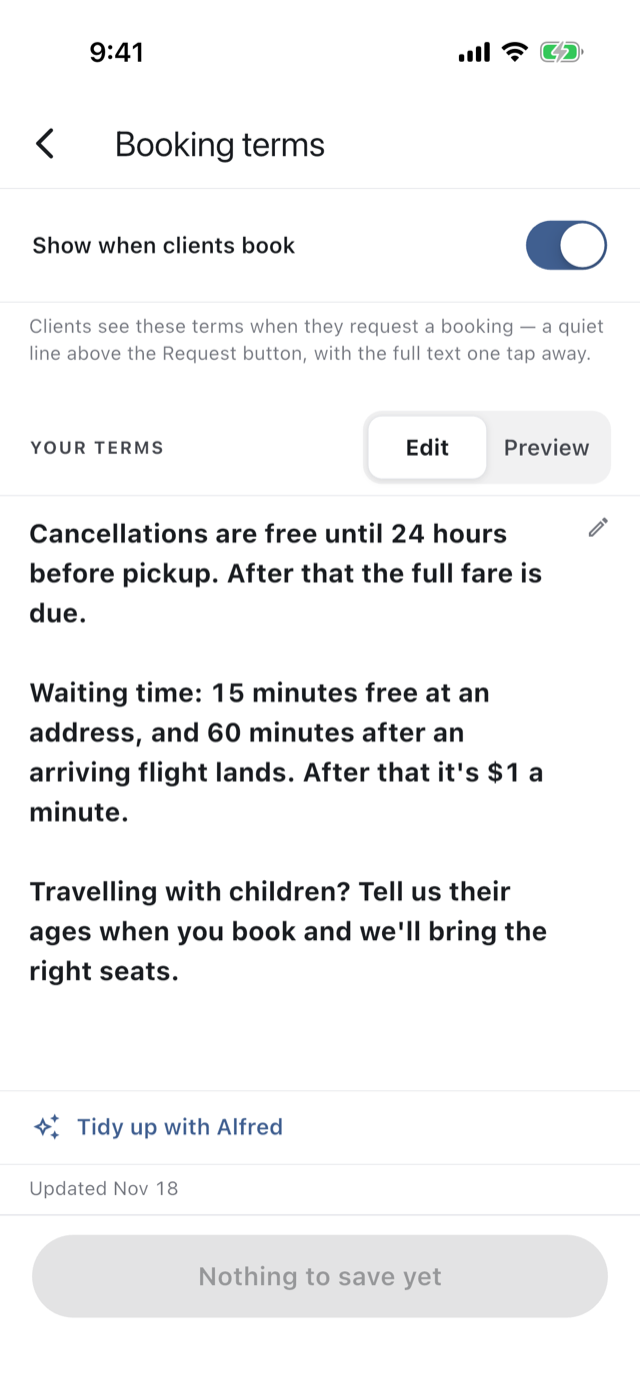
Publish your booking terms. Every client booking says that requesting means agreeing to them, and the trip keeps the exact text they agreed to.
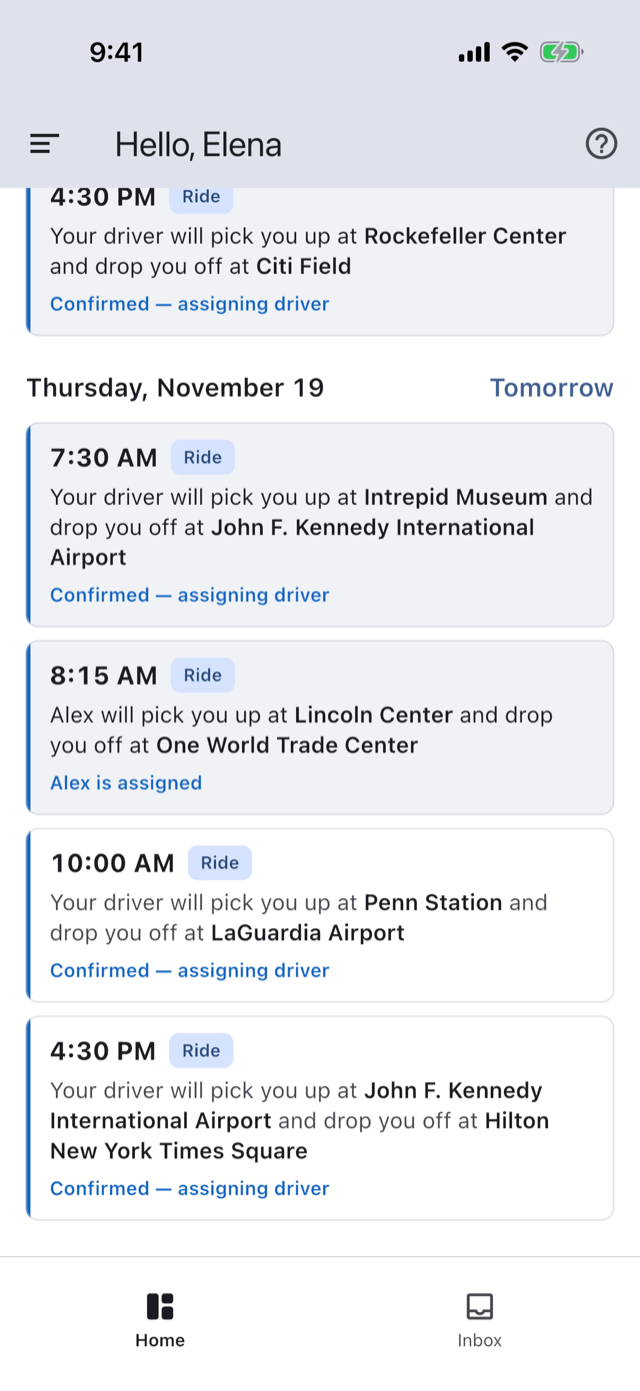
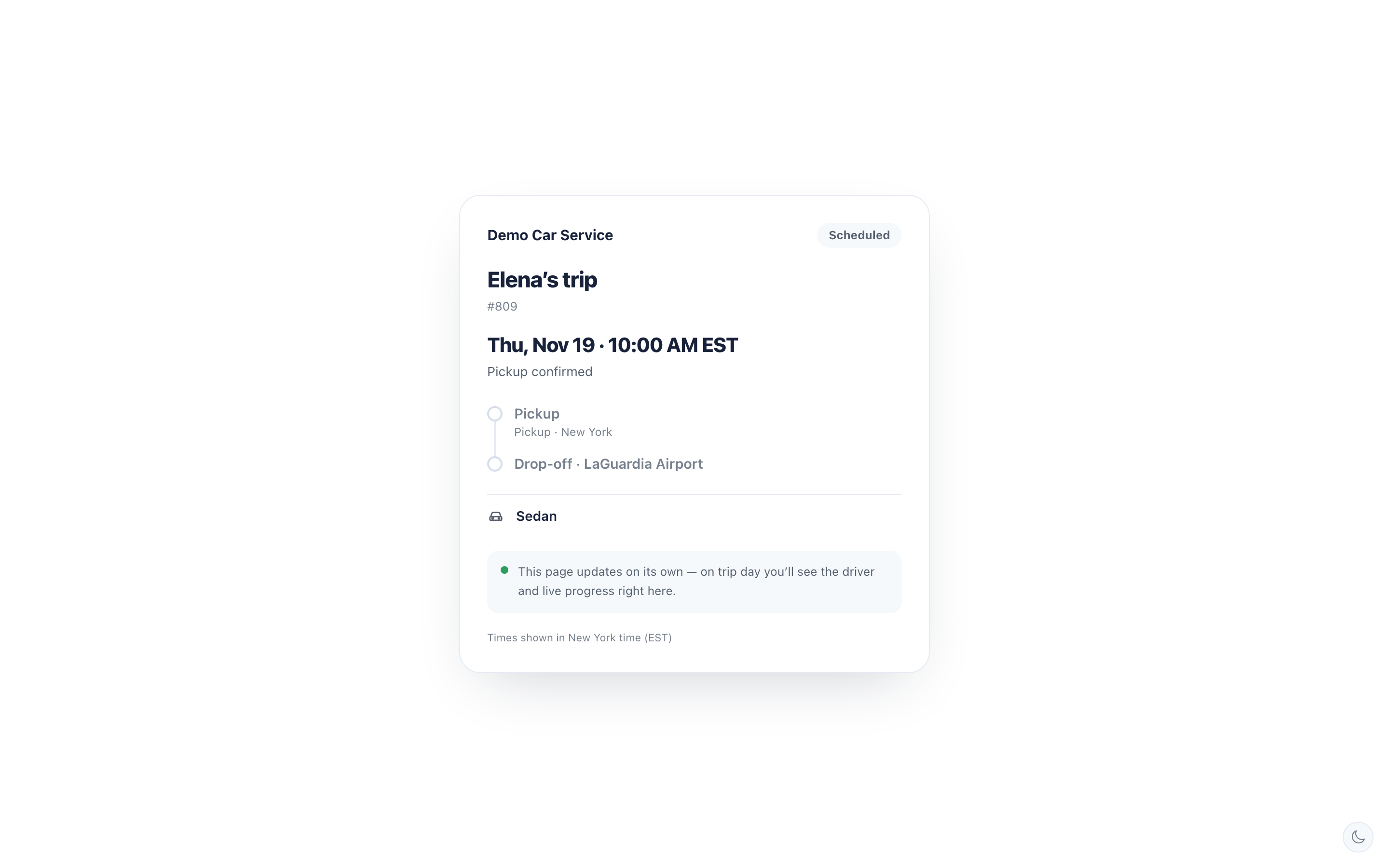
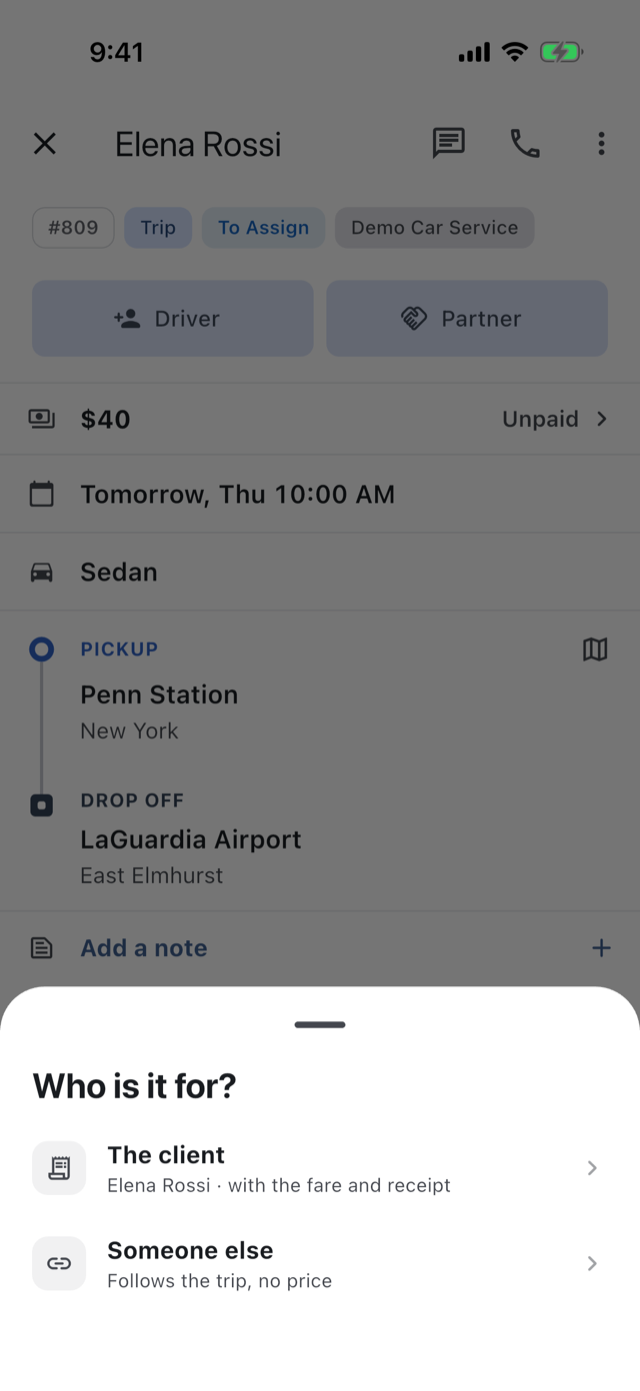
Your client can share the trip from their app, and so can you. Whoever opens the link follows it live, without the price or anyone’s number.
When the pickup is at an airport, the booking asks for the flight, picked from the airline’s list. The trip shows its times and terminal to you, your driver and your client.
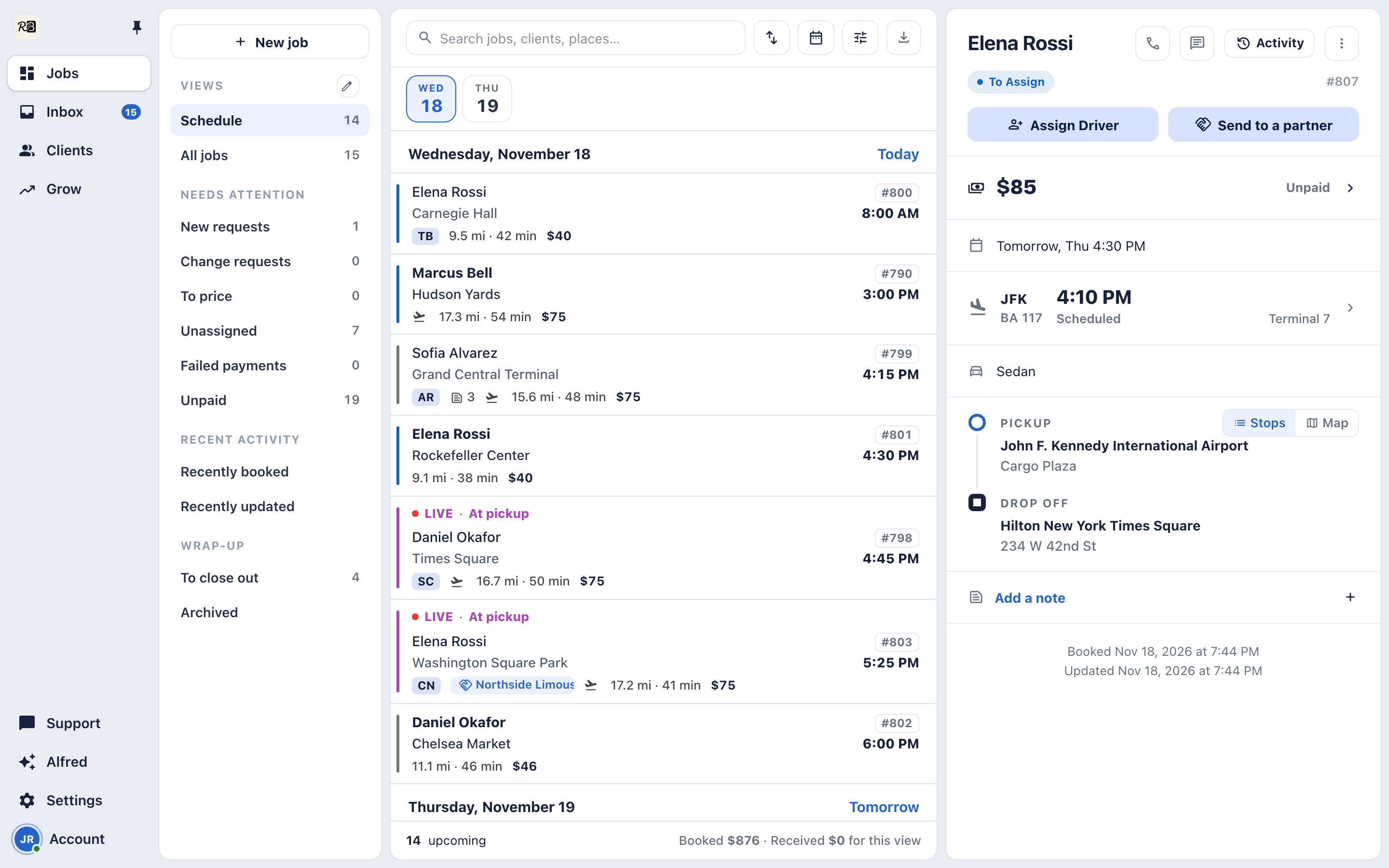
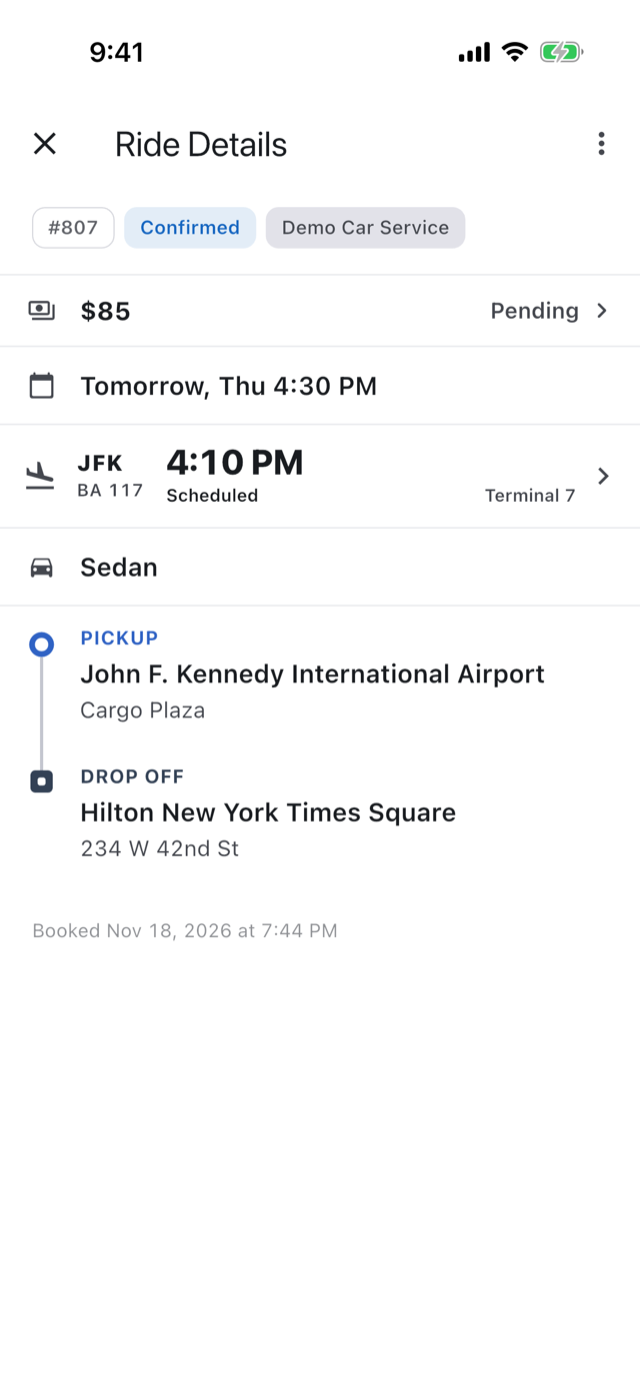
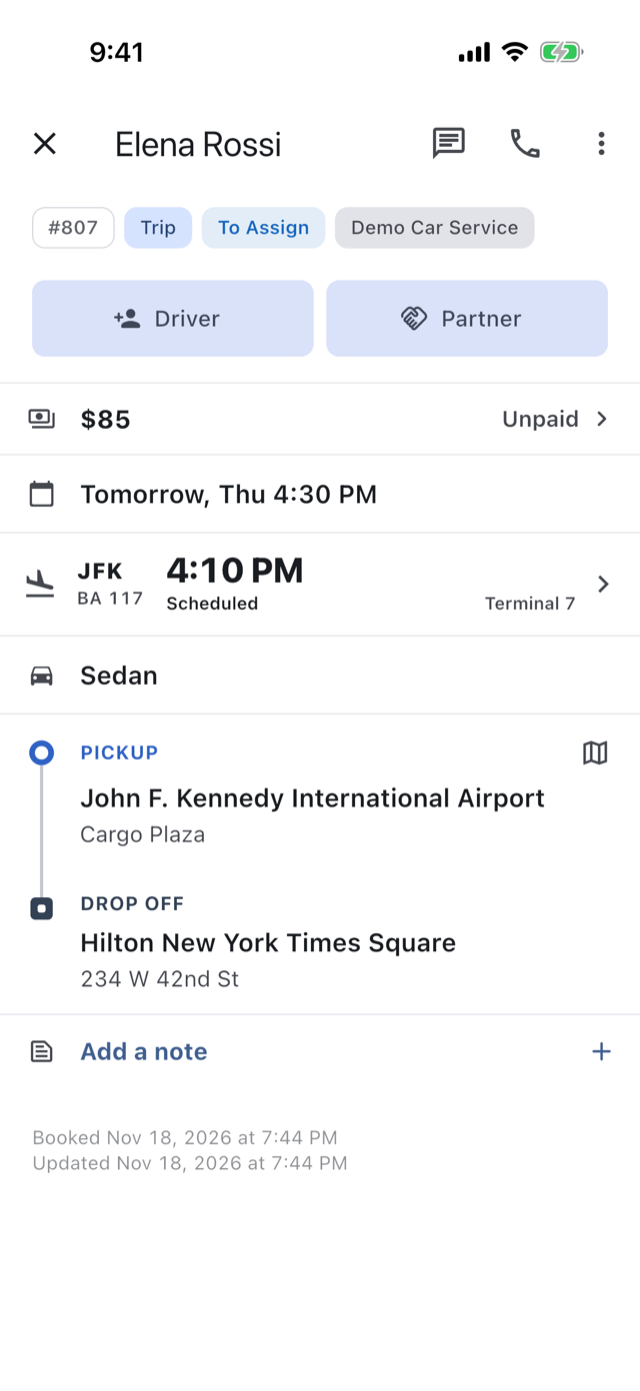
A client books or you create the trip. You confirm, assign a driver, and the trip runs with live progress until it’s completed. Change requests and cancellations are handled on the trip.
How it works →A public page where visitors book, chat with you and get the app. Share it as a link or a QR code.
How it works →The text your clients agree to at checkout. Their consent is recorded on the trip.
How it works →Set the hours, service area and lead time you accept. A blocked booking shows your own message.
How it works →When either end of a trip is an airport, booking asks for the flight. It shows on the trip for you, your driver and your client, and its changes reach the trip on their own.
The vehicle types your clients choose between, such as Sedan, SUV or Sprinter, each with its capacity and baggage.
How it works →One Share, and you choose who it’s for. Your client gets the live trip page with the fare and payments. A passenger or anyone else gets the live page without prices.
How it works →Your booking link, a QR code to print, a share message, install instructions for your website, and a view of how your bookings are coming in.
How it works →The 14-day trial is the whole app: your booking page, your rates, your drivers, your payments.